
SeedVR2 Blog
Blog
Tips, tutorials, and updates about AI video restoration.
How to Remove JPEG Artifacts Before Upscaling Images
Reduce JPEG blocks and edge artifacts without erasing real detail. Compare gentle cleanup and AI upscaling, preserve the original, and export a clean copy.

Video Upscaling vs Frame Interpolation: 4K or 60 FPS?
Learn how video upscaling differs from frame interpolation, when to keep the original frame rate, and how to compare 4K and 60 FPS workflows safely.
How to Denoise Low-Light Video and Preserve Detail
Denoise low-light video with a short test, separate grain from blur and compression, and check faces, shadows, and motion before upscaling your footage.
How to Restore and Upscale Scanned Old Photos
Restore scanned old photos with a careful workflow: choose scan settings, keep an untouched master, repair a copy, and upscale without changing familiar faces.
AI Upscaling vs. Sharpening: Which Does Your Image Need?
Compare AI upscaling vs. sharpening, learn what each changes, and choose a workflow for small or soft photos without adding halos or invented detail.
Why Instagram Reels Look Blurry and How to Fix Them
Fix blurry Instagram Reels by checking your source, export, upload settings, and playback. Learn when AI video upscaling helps and when it does not.
How to Restore Old Videos Without Overdoing It
Restore old home videos with a practical workflow for source files, aspect ratio, test clips, and AI upscaling that keeps familiar faces familiar.
How to Upscale Anime Videos Without Ruining the Line Art
Learn how to upscale anime videos while checking line art, flat colors, subtitles, and motion. Test a short clip before restoring a longer video.
How to Upscale Product Images Without Changing the Product
Upscale product images for ecommerce while checking colors, textures, logos, and labels. Prepare clearer storefront images without changing the product.
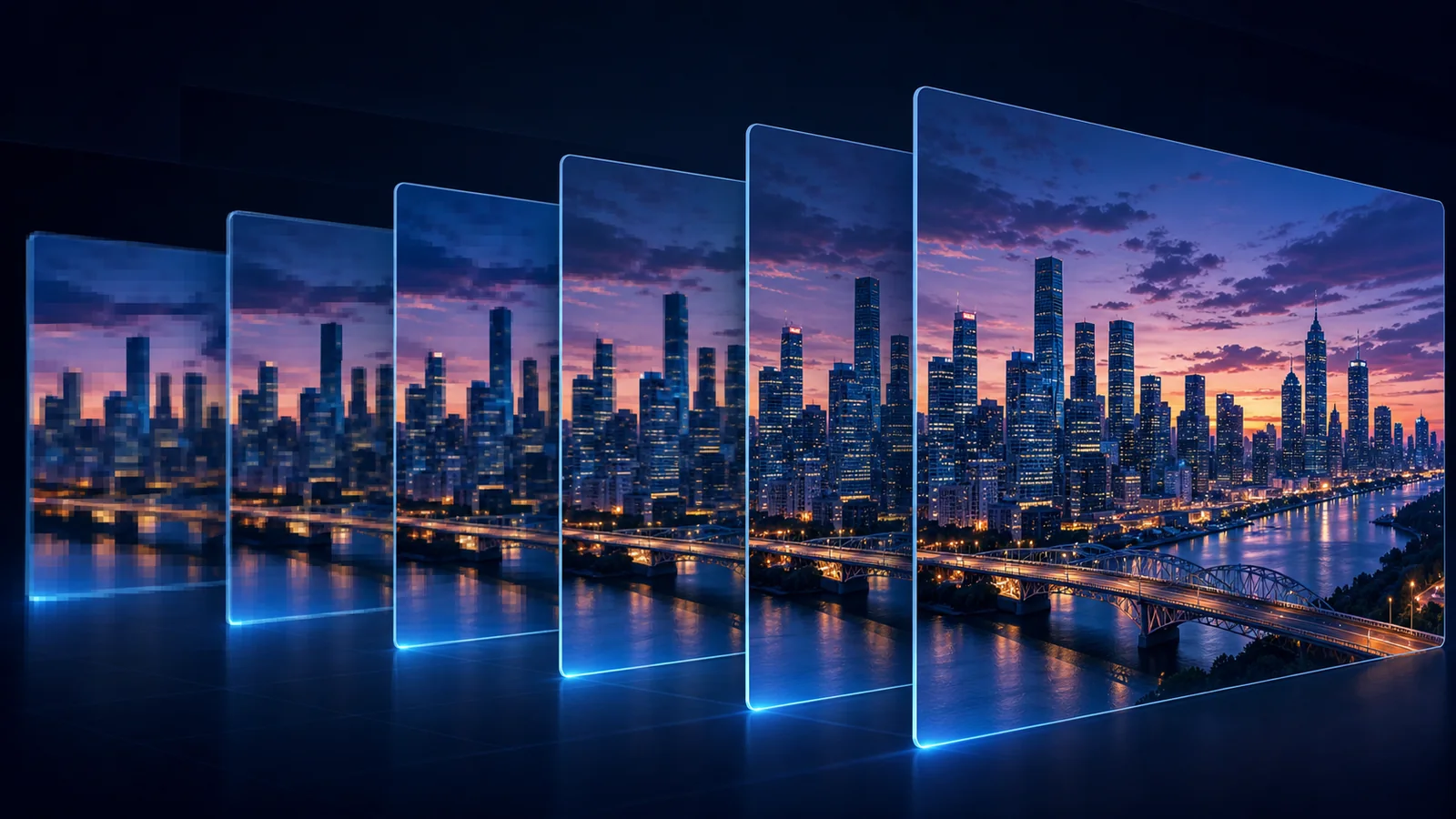
How to Fix Pixelated Video Without Creating Fake Detail
Learn how to fix pixelated video by identifying low resolution, compression blocks, and blur, then using a controlled SeedVR2 restoration workflow.
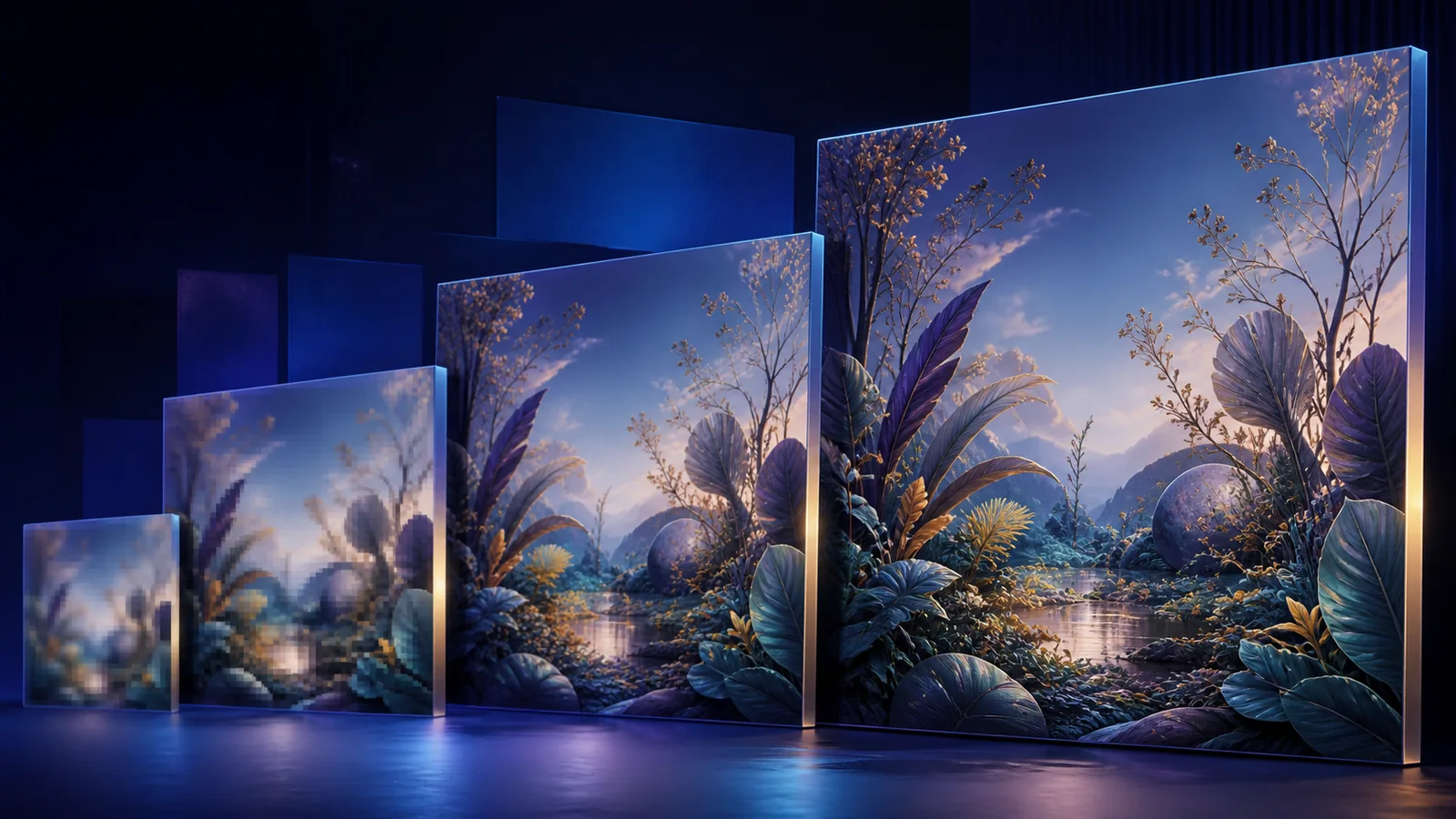
How to Upscale AI-Generated Images Without Losing Their Style
Learn how to upscale AI-generated images while preserving composition, faces, hands, text, and visual style with a practical SeedVR2 workflow.
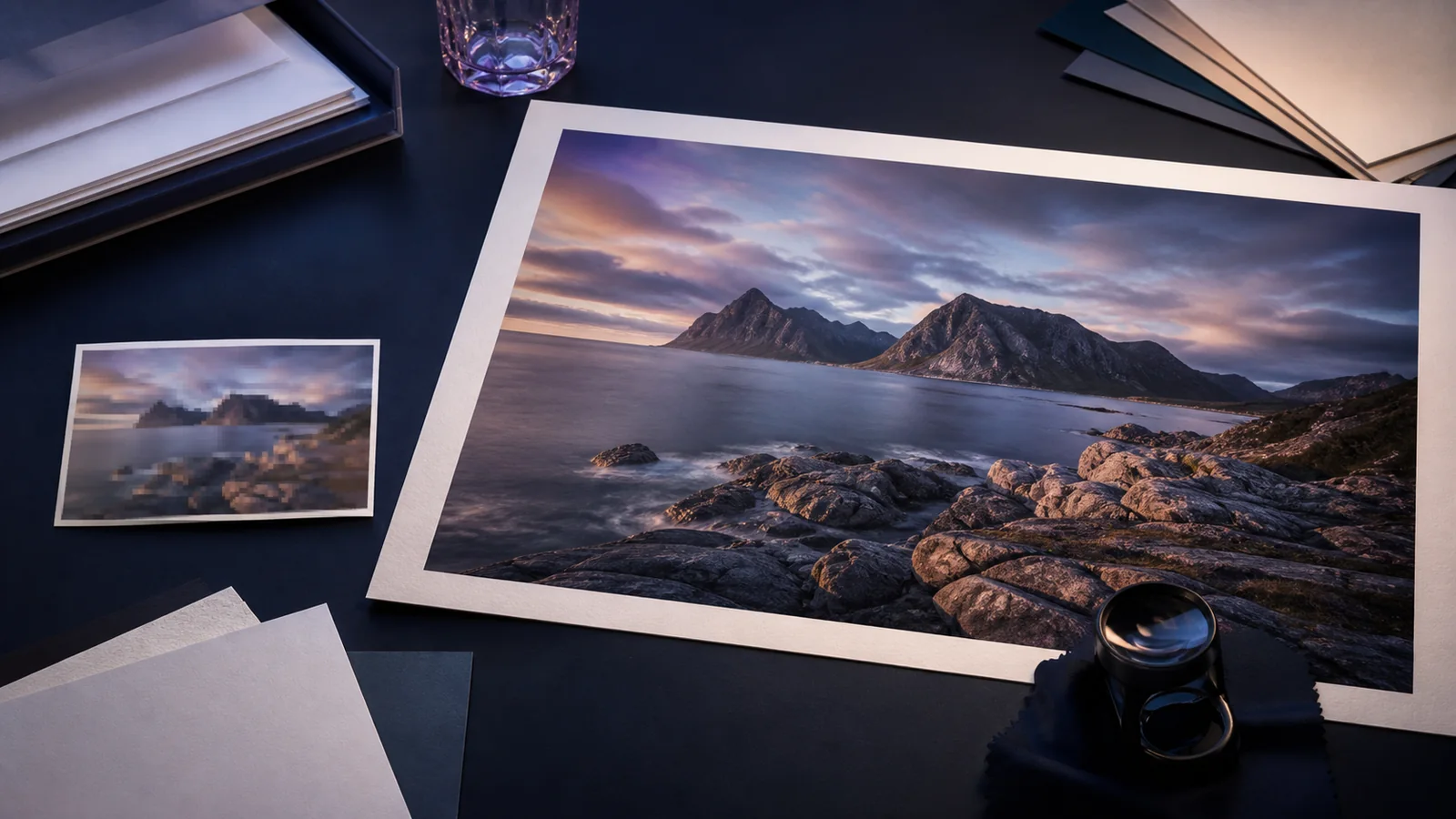
How to Enlarge an Image for Printing Without Losing Quality
Learn how to enlarge an image for printing without losing quality. Calculate pixels and PPI, choose the right AI upscale target, and prepare a clean print file.
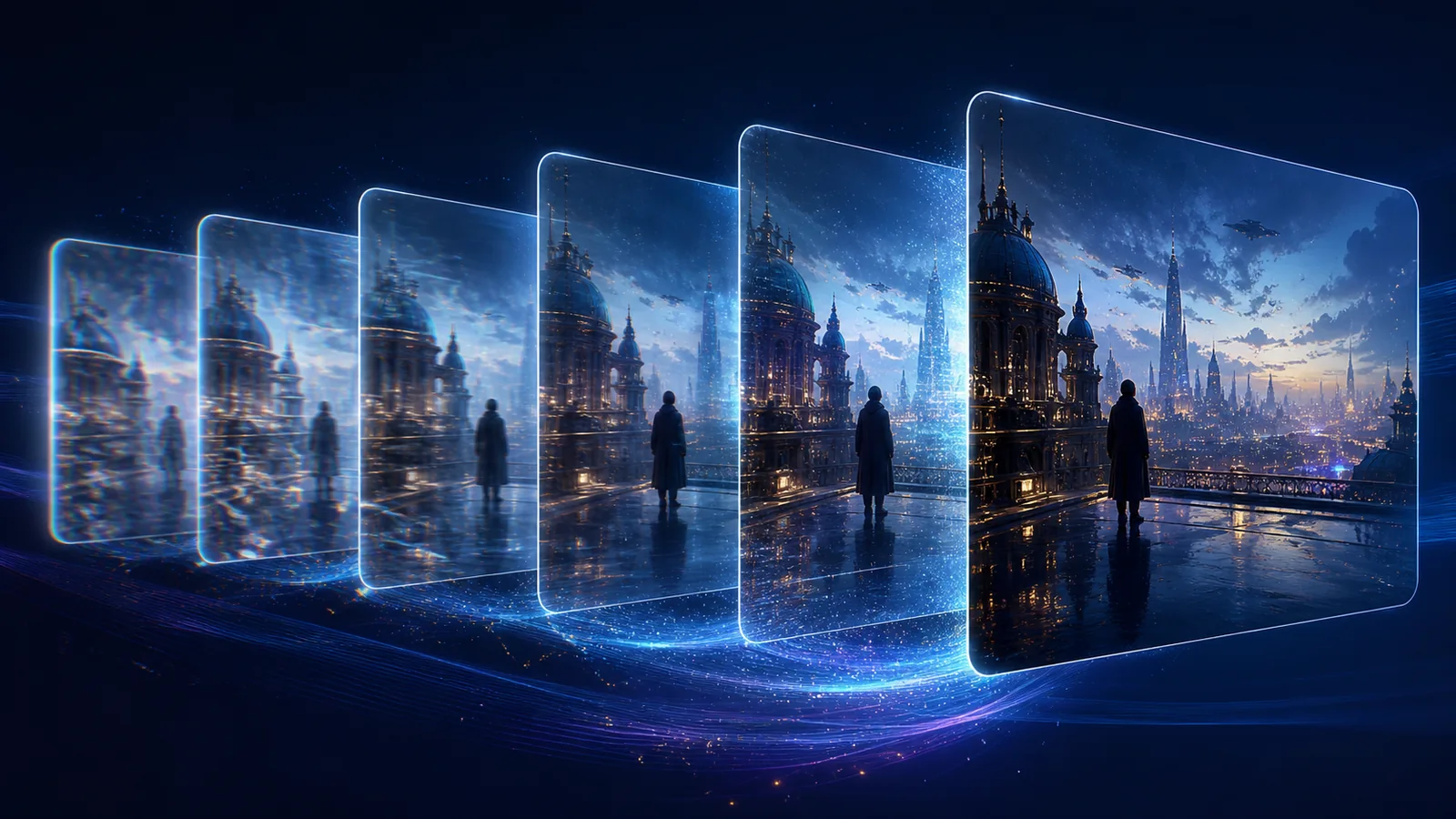
How to Upscale AI-Generated Video to 4K Without Flicker
Learn how to upscale AI-generated video to 4K without amplifying flicker, unstable faces, soft textures, or compression. Follow a practical SeedVR2 workflow.
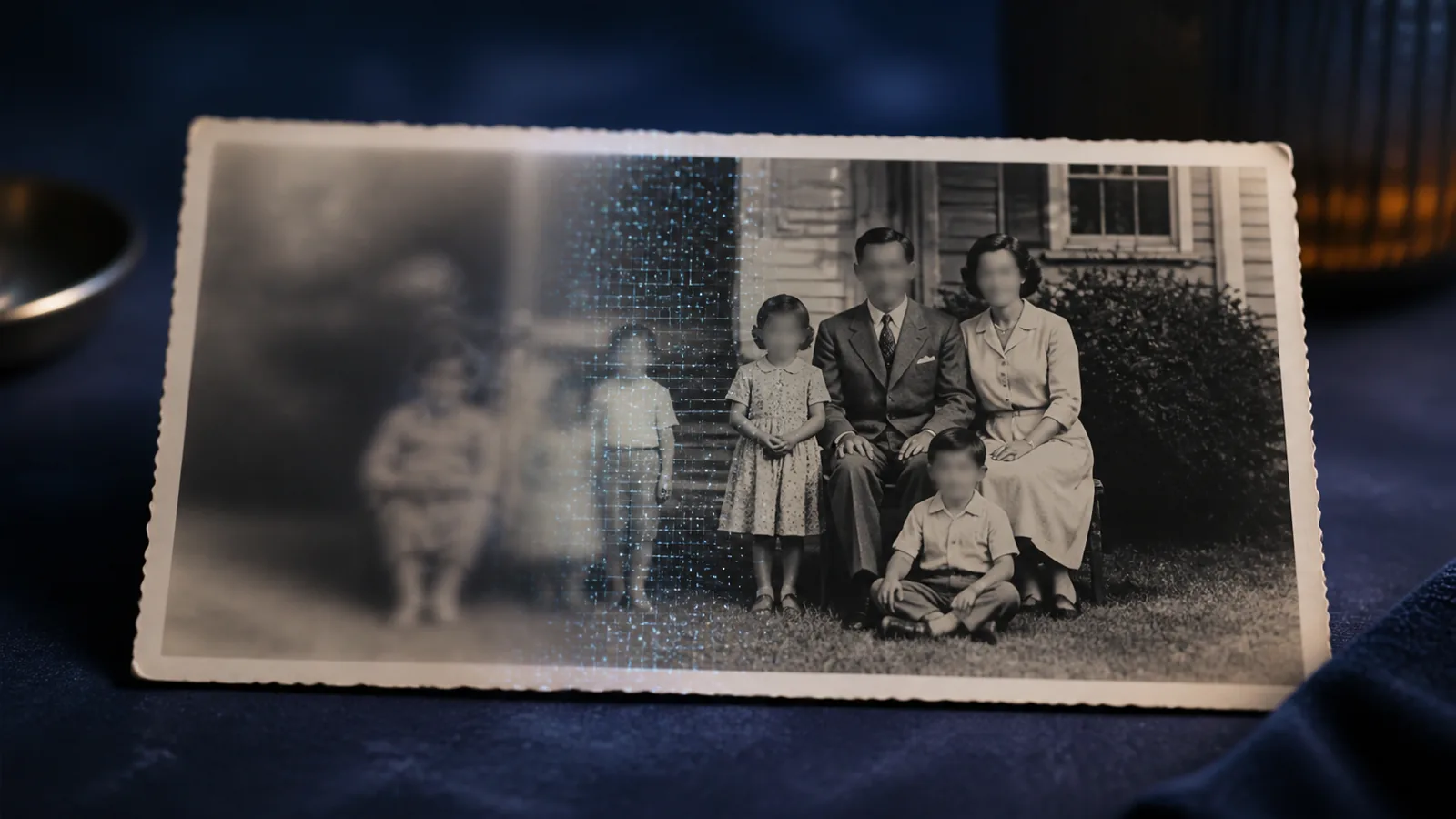
How to Fix Blurry Photos Without Over-Sharpening
Learn how to fix blurry photos by diagnosing motion blur, soft focus, pixelation, and JPEG artifacts, then use AI without over-sharpening or fake details.
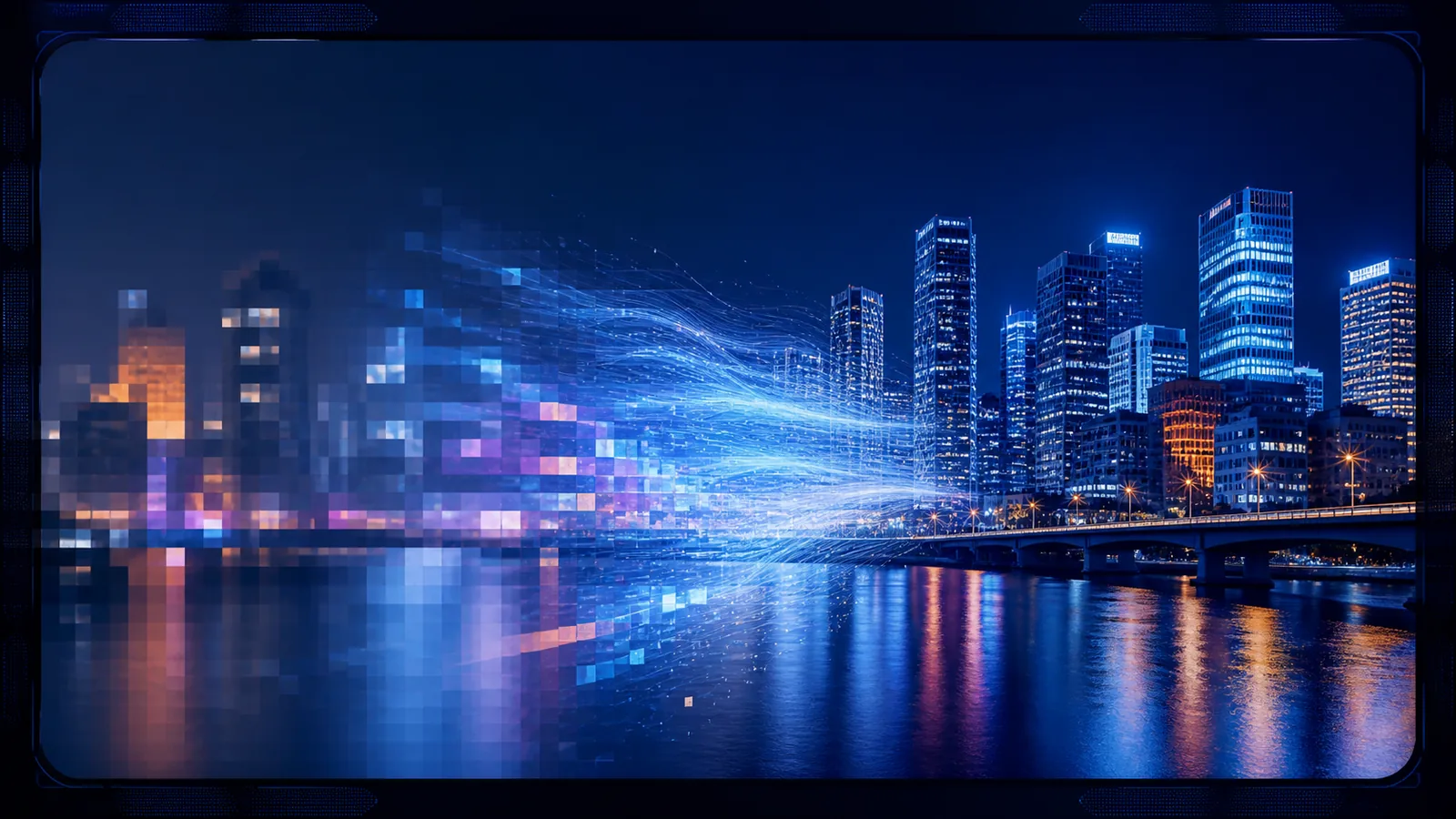
How to Upscale Video to 4K Without Losing Quality
Learn how to upscale video to 4K without making compression, flicker, or softness worse. Compare 720p and 1080p sources and follow a practical AI workflow.
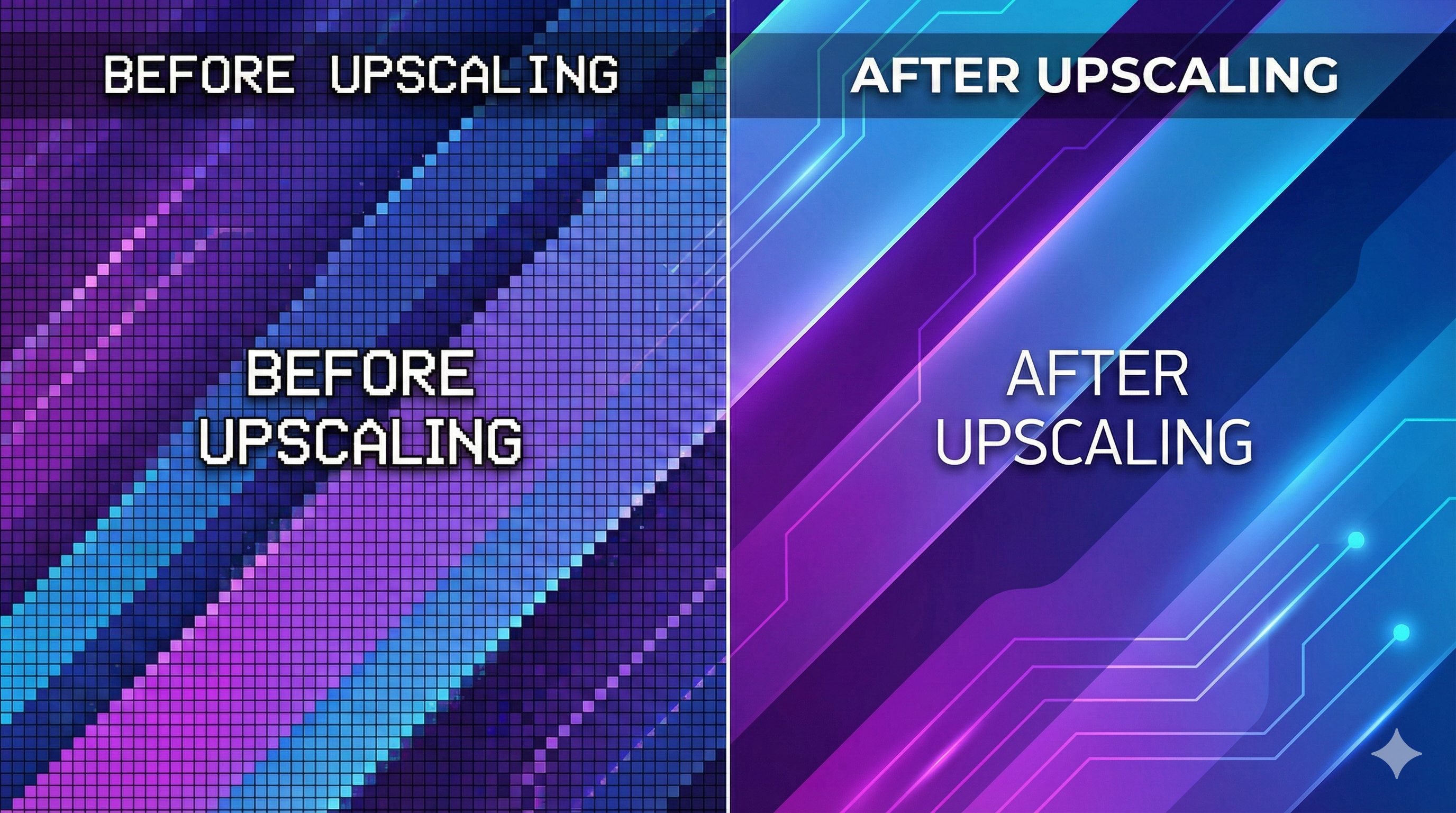
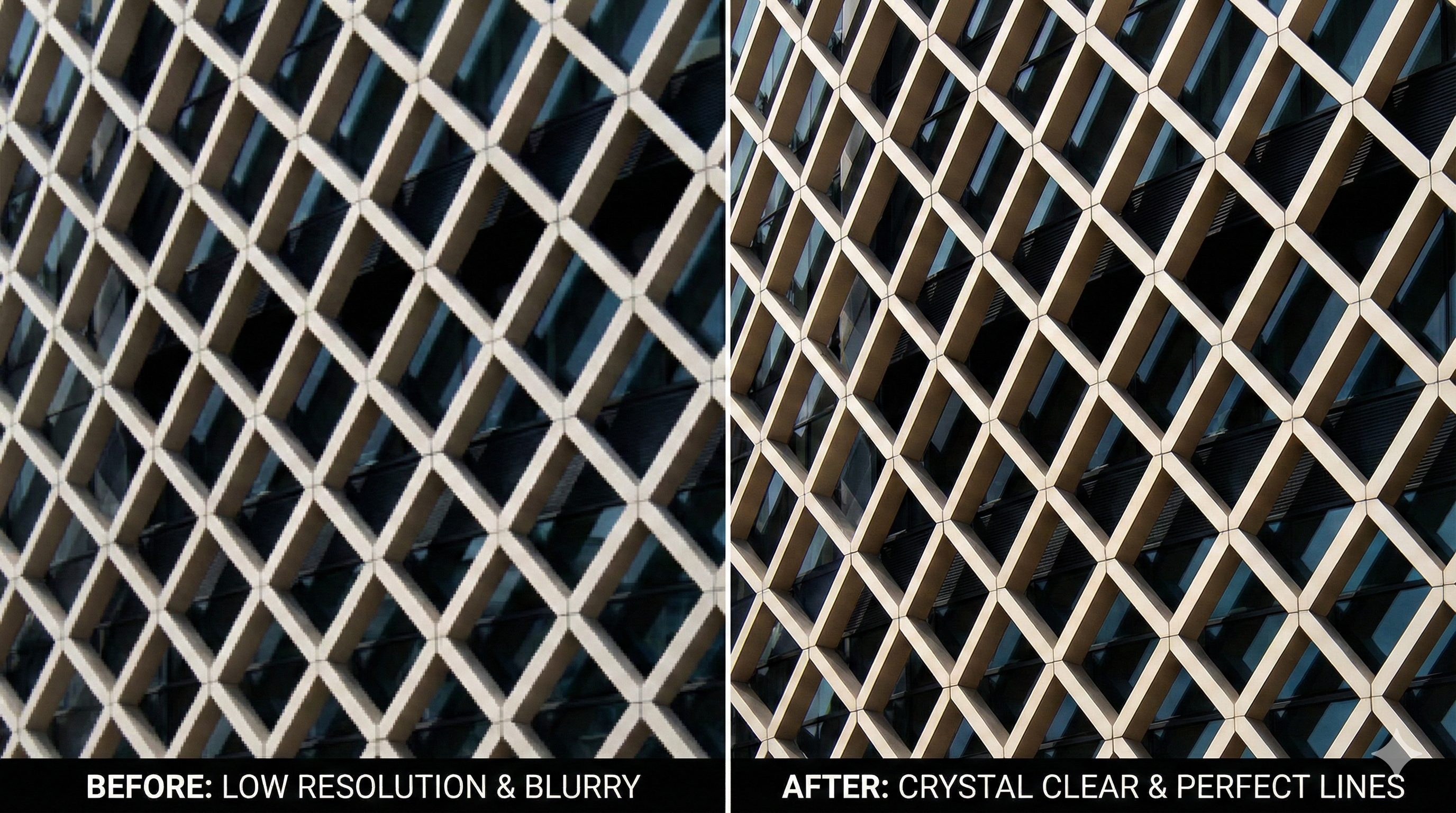
Fix Diagonal Lines & Artifacts in Images with SeedVR2 AI Upscaler
Struggling with jagged diagonal lines in your upscaled images? Discover how SeedVR2's generative approach fixes artifacts better than traditional upscalers.
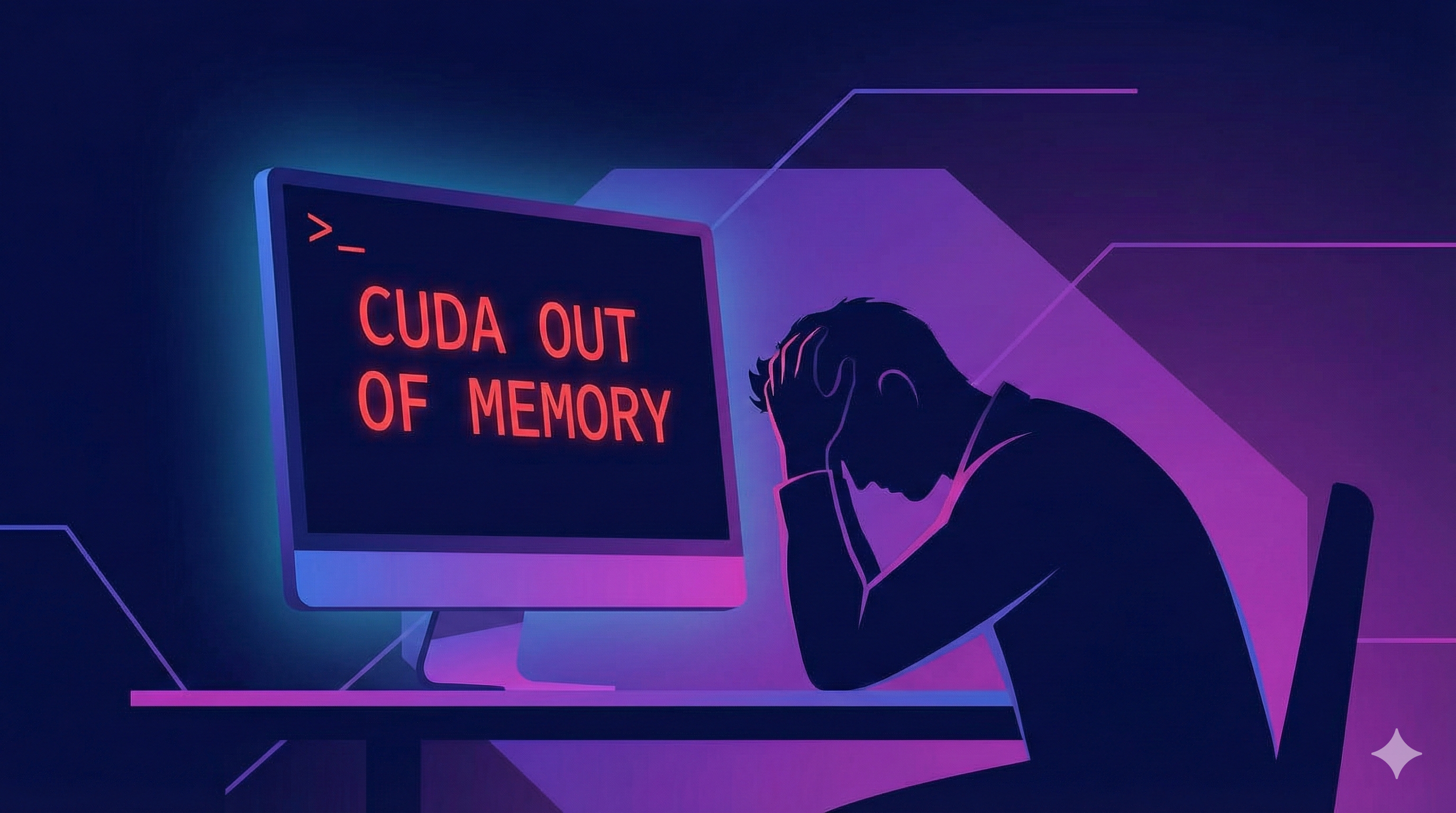
SeedVR2 OOM Fix: How to Run SeedVR2 with Low VRAM (No GPU Needed)
Getting CUDA out of memory errors with SeedVR2? Learn why it happens and how to upscale videos using SeedVR2 without buying a RTX 4090.
SeedVR2 Without ComfyUI: The Easiest Way to Upscale Images & Videos
Don't waste time installing Python and fixing node errors. Here's the easiest SeedVR2 workflow that requires no installation.